Video Editing Software for Beginners Choosing your first video editor can feel overwhelming. Many programs offer similar tools, but their interfaces, pricing, features, and learning curves can vary significantly. Beginners usually need software that feels simple enough to learn while still providing enough features to create polished videos.
The right choice depends on what you want to create. A person making YouTube videos may need different tools than someone creating TikTok clips, Instagram Reels, tutorials, or family videos. Your computer, budget, and future editing goals also matter.
In this guide, we compare some of the most useful video editing software for beginners in 2026. We will look at their main features, ease of use, pricing options, platform compatibility, and ideal use cases. You will also learn how to choose an editor without paying for features you may never use.
Best Video Editing Software for Beginners
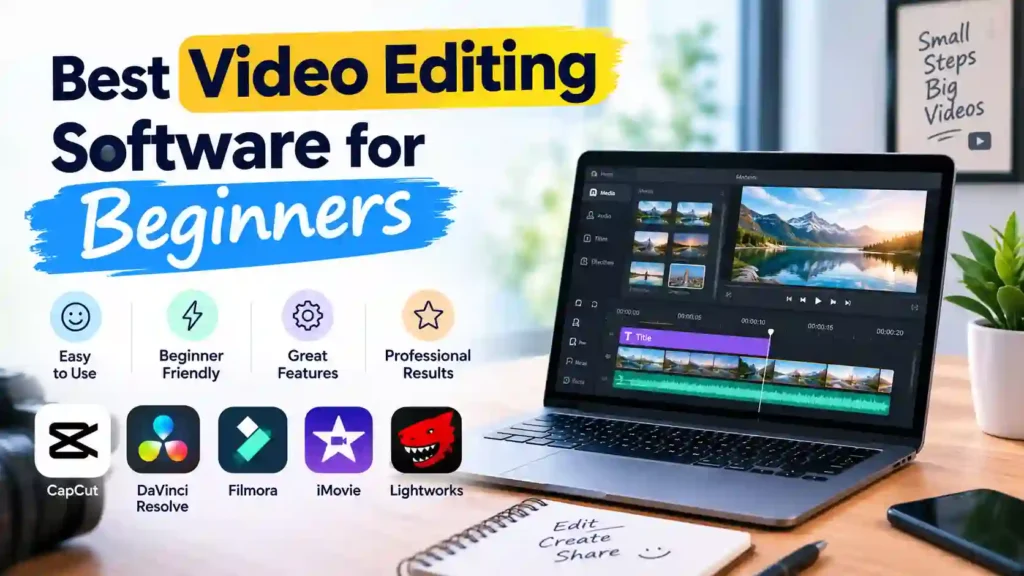
The best editor for you depends on your experience and the type of videos you plan to make. Some tools focus on simplicity, while others provide professional features that beginners can learn gradually.
1. CapCut
CapCut is a popular option for beginners who want to create short-form videos quickly. Its interface is relatively easy to understand, making it suitable for social media content, short videos, and basic creative projects.
The software includes trimming, transitions, text, filters, effects, music, captions, and templates. These tools allow new creators to produce engaging videos without learning complicated editing workflows first.
CapCut is especially useful if your main goal is creating content for platforms such as YouTube Shorts, Instagram Reels, or TikTok. Its template-based approach can also help beginners experiment with different editing styles.
However, users who want to develop advanced professional editing skills may eventually need a more powerful program.
2. DaVinci Resolve
DaVinci Resolve is a strong choice for beginners who want to learn professional video editing over time. Its free version provides a large collection of editing and post-production tools.
The software combines video editing, color correction, visual effects, motion graphics, and audio production in one application. This makes it much more powerful than many beginner-focused editors.
The main challenge is its learning curve. New users may find the interface more complicated than CapCut or Clipchamp. However, beginners who are willing to practice can gradually learn advanced techniques without immediately paying for professional software.
DaVinci Resolve is particularly suitable for YouTube creators, filmmakers, students, and anyone who wants to build long-term editing skills.
3. Wondershare Filmora
Filmora focuses on making advanced-looking video editing easier for everyday users. Its interface is designed to help beginners find common tools without navigating a highly complicated workspace.
Users can trim clips, add transitions, insert text, apply effects, adjust audio, and use creative templates. Filmora also provides features that can help creators produce polished videos with less manual work.
It works well for YouTube videos, tutorials, presentations, social media content, and personal projects. Beginners who want more creative options than a basic editor provides may find Filmora a comfortable middle ground.
One drawback is that some advanced features and premium resources require a paid plan.
4. CyberLink Power Director
CyberLink Power Director is another option for users who want beginner-friendly controls combined with more advanced editing capabilities. It provides tools for trimming, transitions, effects, titles, audio, and other creative adjustments.
Its performance-focused design can make it useful for creators working on larger projects. Beginners can start with basic functions and gradually explore more advanced features as they become comfortable.
Power Director is a good fit for users who want an editor that can support them beyond their first few projects.
What Makes a Video Editor Beginner-Friendly?
Not every program with many features is suitable for a new editor. Beginners should look for software that makes basic tasks easy to understand.
A clean interface is one of the most important factors. You should be able to import media, place clips on a timeline, cut unwanted sections, add audio, and export the finished video without constantly searching through complicated menus.
Useful beginner features include:
- Simple drag-and-drop editing
- Easy video trimming and splitting
- Text and title tools
- Basic transitions
- Audio editing
- Templates and effects
- Automatic captions
- Multiple export options
- Helpful tutorials or guides
A good beginner editor should also leave room for growth. You may only need trimming and transitions today, but later you may want color correction, advanced audio controls, animation, or AI-assisted tools.
How to Choose the Right Video Editor
Before downloading an editor, think about your actual editing needs. Choosing software simply because it appears on a “best” list can lead to unnecessary costs or a difficult learning experience.
- Consider Your Editing Goals: Start by deciding what type of content you want to create. Social media creators may prefer quick templates and automatic captions. YouTube creators may need stronger timeline editing and audio controls. Students may prioritize free software and simple export options.
- Check Ease of Use: A powerful program is not always the best choice for a beginner. If the interface feels confusing, you may spend more time learning the software than creating videos.
- Check Device Compatibility: Your operating system can also narrow your choices. Some programs work across Windows and Mac, while others are designed for a specific platform.
- Consider Your Budget: Free software can be enough for many beginners. However, paid editors may offer additional templates, effects, storage, advanced tools, or premium support.
Best Video Editing Software 2026: What Beginners Should Look For
The best video editing software 2026 options are not necessarily the ones with the largest feature lists. A beginner should focus on practical tools that make editing easier.
Look for reliable performance, easy navigation, useful templates, flexible export settings, and support for the video formats you commonly use. Features such as automatic captions, background removal, and AI-assisted editing can also save time.
However, advanced features should not replace basic editing knowledge. Learning how to cut clips, organize a timeline, balance audio, and tell a clear story will remain important regardless of which software you choose.
Free vs. Paid Video Editing Software
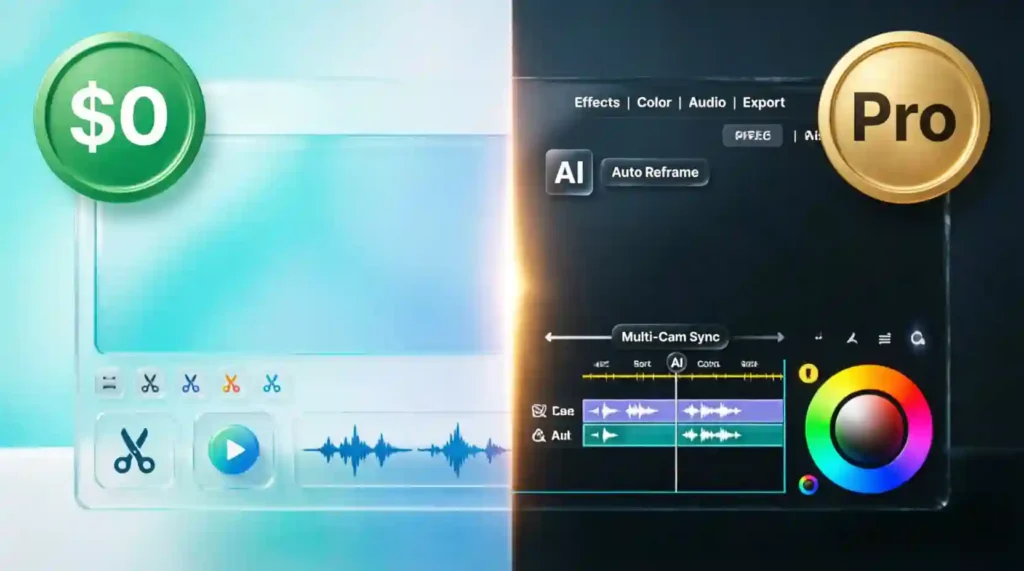
One of the first decisions beginners face is whether to use a free editor or pay for a premium plan. The good news is that many free programs provide enough tools to create high-quality videos.
Free editors are usually suitable for basic projects. You can often trim clips, add music, insert text, apply transitions, and export videos without spending money. They are a practical choice for students, new creators, and people who are still learning the basics.
Paid software can provide additional features such as premium templates, advanced effects, larger asset libraries, AI tools, faster workflows, and technical support. Some programs also remove limitations that appear in their free versions.
Best Free Video Editor for Windows
Windows users have several free options, but
- Clipchamp is one of the simplest places to start. Its interface is designed for straightforward editing, making it useful for beginners who need basic tools without a complicated workflow.
- You can use it for trimming clips, adding text, working with audio, applying transitions, and creating simple social media or presentation videos.
- CapCut is another option for Windows users who focus on short-form content. It provides templates, effects, captions, and creative tools that can speed up the editing process.
- For users who want more advanced capabilities without an initial cost,
- DaVinci Resolve is worth considering. It has a much steeper learning curve, but it provides professional-level tools that beginners can learn gradually.
The best choice depends on your computer, project type, and how much time you want to spend learning.
Best AI Video Editing Software 2026
AI has become an increasingly common part of modern editing software. Instead of replacing the editor completely, AI features can automate repetitive tasks and help beginners work faster.
Many current tools can generate captions, remove backgrounds, improve audio, detect scenes, create effects, or assist with short-form content. These features can be especially useful when you have limited editing experience.
When looking for the best AI video editing software 2026, do not choose a program only because it has the word “AI” in its feature list. Consider whether those tools actually solve a problem you have.
For example, automatic captions can save time if you regularly create talking-head videos. Background removal can help social media creators produce cleaner visuals. AI audio tools can also help improve recordings with background noise.
Still, AI cannot replace good storytelling. You should learn the basics of cutting, pacing, sound, and visual organization alongside these automated tools.
Video Editing Software Features Beginners Need
Beginners do not need every advanced feature available. A few practical tools can handle most early projects.
- Easy Timeline Editing: A clear timeline makes it easier to arrange clips, remove unwanted sections, and control the order of your video.
- Text and Titles: Text tools are useful for introductions, explanations, captions, names, and calls to action.
- Audio Controls: Good audio can make a bigger difference than complicated visual effects. Look for tools that let you adjust volume, add music, and remove or reduce unwanted sounds.
- Transitions and Effects: Basic transitions can help clips flow smoothly. Beginners should avoid adding too many effects because excessive editing can make a video distracting.
- Export Options: Check whether the software supports common resolutions and formats. You may need different settings for YouTube, Instagram, TikTok, or other platforms.
Common Mistakes Beginners Should Avoid
Choosing software is only the first step. New editors can also make mistakes that affect the quality of their videos.
- Using Too Many Effects: Adding transitions, animations, filters, and effects to every clip can make a video look messy. Use effects when they support the content.
- Ignoring Audio: Poor sound can make an otherwise good video difficult to watch. Keep dialogue clear and make sure background music does not overpower the speaker.
- Choosing Software That Is Too Complicated: A professional program may offer hundreds of tools, but beginners do not need to learn everything immediately. Start with software that matches your current skill level.
- Focusing Only on Software: Good editing depends on more than the application you use. Story structure, footage quality, pacing, sound, and consistency also influence the final result.
- Skipping Practice: Watching tutorials is useful, but practical experience matters more. Start with short projects and gradually try more advanced techniques.
Which Video Editor Is Right for You?
There is no single editor that works perfectly for everyone. Your ideal choice depends on your device, content type, budget, and willingness to learn.
- CapCut: is a practical option for short-form and social media content. Its templates and straightforward tools make it easy to start creating videos quickly.
- Clipchamp: is a convenient choice for Windows users who need simple editing tools for everyday projects.
- Filmora: suits creators who want an easy interface with a wider selection of creative effects, templates, and editing tools.
- DaVinci Resolve: is better for users who want to develop more advanced skills. Although it requires more time to learn, its powerful features can support creators as their projects become more complex.
- If you use a Mac,
- iMovie: is another beginner-friendly option. It provides simple tools for creating and editing videos without requiring a complicated setup.
The key is to choose software that matches your current needs rather than selecting the program with the most features.
Frequently Asked Questions
Which software is best for video editing for beginners?
CapCut, Clipchamp, and Filmora are strong choices for beginners because they provide simple interfaces and essential editing tools. DaVinci Resolve is better for users who want to learn professional editing gradually.
What is the easiest video editing software for beginners?
Clipchamp and CapCut are among the easiest options for new editors. Both provide straightforward tools that allow users to create basic videos without a long learning process.
Which video editor is the easiest for beginners to learn?
The easiest option depends on your device and project. Windows users may find Clipchamp convenient, while social media creators may prefer CapCut. Mac users can start with iMovie.
Conclusion
The right editor should make video creation easier, not more complicated. Beginners can start with a simple free option and explore advanced features as their skills develop. Consider your editing goals, device, budget, and preferred features before making a decision.
You do not need expensive software to create engaging videos. Start with the tools you understand, practice regularly, and upgrade when your projects require more advanced capabilities.