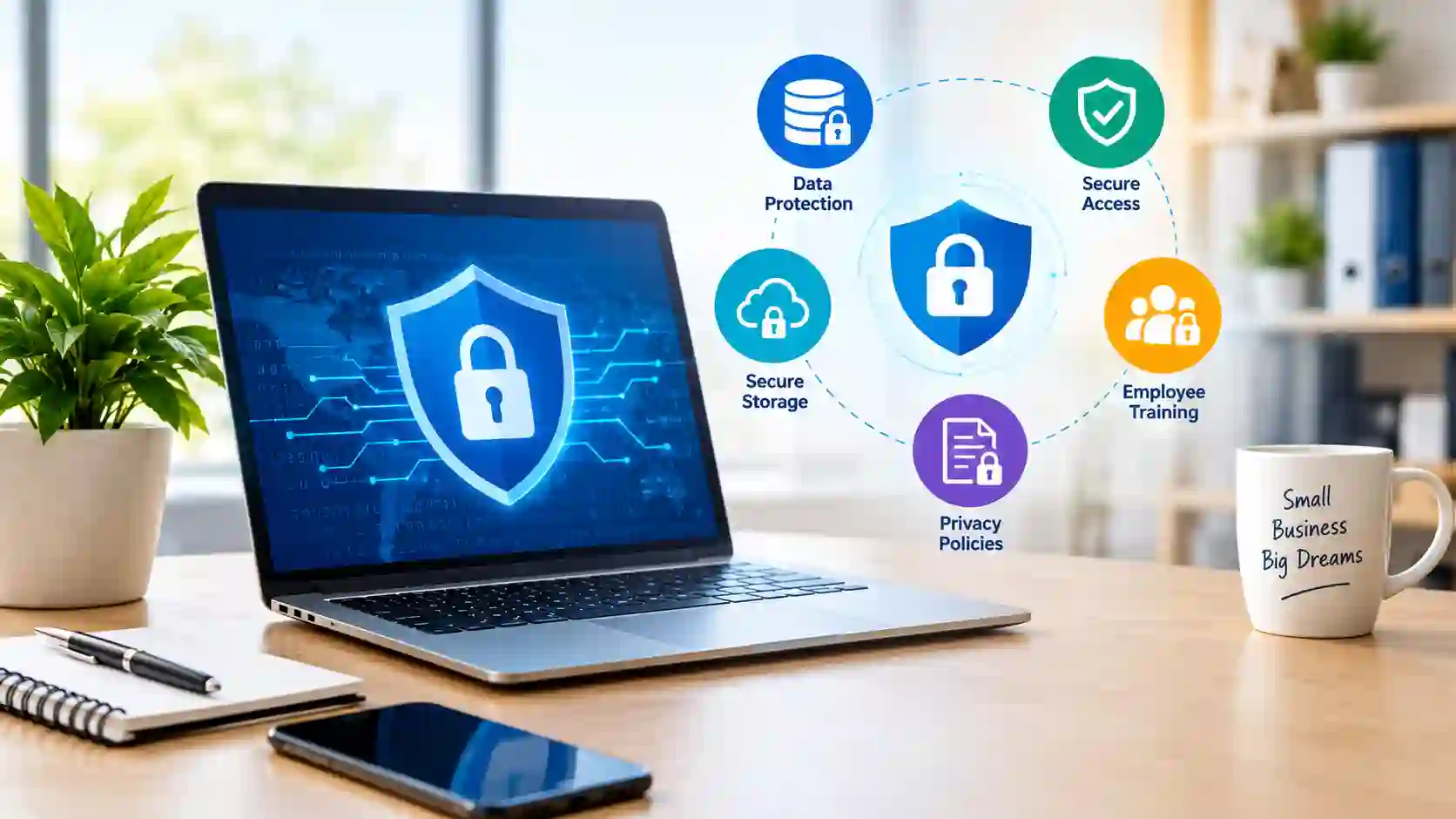
Data privacy solutions for small businesses help owners manage personal information, control who can access it, and reduce the risk of unauthorized data sharing. These solutions include privacy management software, encryption tools, secure storage systems, and consent management platforms.
A business does not always need expensive enterprise software to protect customer information. By choosing suitable tools and following clear privacy practices, small businesses can improve data protection without making their daily operations complicated.
What Are Data Privacy Solutions for Small Businesses?
Data privacy solutions are tools, systems, and practices that help businesses collect, use, store, and share personal information responsibly. They help organizations understand what information they hold, why they need it, and who can access it.
For example, an online store may collect customer names, delivery addresses, and payment information. A suitable privacy solution can help the store limit employee access, manage customer consent, and establish rules for storing or deleting personal information.
Common solutions include:
- Privacy management software: Helps organize privacy policies, assessments, and compliance tasks.
- Consent management tools: Record and manage customer choices about cookies and certain types of data collection.
- Encryption tools: Help protect sensitive information from unauthorized access.
- Password managers: Help employees create and manage strong, unique passwords.
- Secure backup systems: Keep copies of important business information for recovery after data loss.
The right combination depends on the type of business, the information it collects, its budget, and the privacy requirements that apply to its operations.
Why Do Small Businesses Need Data Privacy Solutions?
Data privacy is not only a concern for large corporations. Small businesses also handle valuable customer information and can experience data leaks, unauthorized access, or accidental disclosure.
- Build Customer Trust: Customers expect businesses to handle their personal information responsibly. When a company explains how it collects and uses data, customers can make more informed decisions about sharing their details.
- Reduce the Risk of Data Breaches: Weak passwords, outdated software, accidental email disclosures, and compromised accounts can expose sensitive information. Appropriate privacy tools and access controls help reduce these risks.
- Support Privacy Compliance: Depending on where a business operates and whom it serves, privacy laws may require it to explain data collection practices, respect certain customer rights, or protect personal information.
- Avoid Unnecessary Costs: A privacy incident may lead to investigation expenses, operational disruption, customer complaints, and potential legal consequences. Preventive measures can help businesses reduce avoidable risks.
What Is a Data Privacy Management Solution?
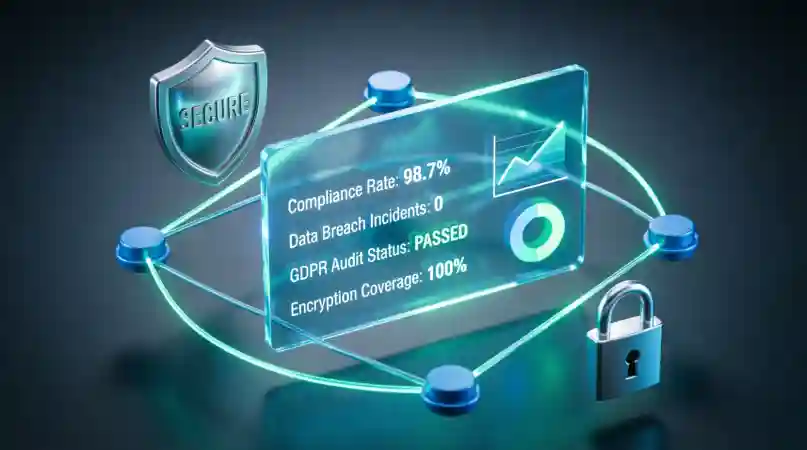
A data privacy management solution helps a business organize and manage activities related to personal information. Depending on the product, it may provide a central place to document data collection, manage consent, track privacy requests, assess risks, and maintain records.
For example, a marketing agency may collect contact details through website forms and email campaigns. A privacy management solution can help the agency document what information it collects, record relevant consent choices, and establish a process for handling requests to update or delete personal information.
Important Features to Look For
Before selecting a solution, consider whether it offers the features your business actually needs.
- Data inventory: Helps identify the personal information your business collects and stores.
- Consent management: Records customer preferences where consent is required or appropriate.
- Privacy request management: Helps track requests to access, correct, or delete personal data.
- Risk assessments: Helps identify potential privacy risks in business processes.
Data Protection vs. Data Privacy: What Is the Difference?
Data protection and data privacy are closely related, but they serve different purposes. Understanding the difference helps small business owners choose suitable tools and develop better policies for handling customer information.
- Data privacy: focuses on how personal information is collected, used, shared, and managed. It involves deciding what information a business needs, obtaining consent when required, and respecting customers’ rights.
- Data protection: focuses on safeguarding information against unauthorized access, loss, damage, or disclosure. It includes technical and organizational measures that keep business data secure.
For example, an online store may explain in its privacy policy why it collects customers’ email addresses. This relates to data privacy. Using encryption, strong passwords, and restricted account access to protect those addresses relates to data protection.
Both areas are important. A business may use strong security tools but still collect more personal information than necessary. Similarly, a clear privacy policy cannot protect customer records if employees use weak passwords or insecure systems.
Data Security and Privacy Solutions for Small Businesses
Data security and privacy solutions work together to help businesses manage personal information responsibly and reduce security risks. Instead of relying on one product, owners can combine several practical tools based on their needs.
Encryption and Secure Data Storage
Encryption makes information unreadable to unauthorized people without the appropriate decryption key. It can help protect sensitive files, stored customer records, and information transmitted over networks.
Small businesses should use services that support encryption, secure connections, and appropriate access controls. They should also avoid storing unnecessary customer information.
For example, a consultancy can store client documents in a reputable cloud service with multifactor authentication and restricted sharing permissions.
Password Managers and Multifactor Authentication
Weak or reused passwords can expose business accounts to unauthorized access. A password manager helps employees create and store unique passwords without having to memorize every one.
Multifactor authentication (MFA) adds another verification step when someone signs in. Depending on the service, this may involve an authenticator app, security key, or another supported method.
Enable MFA on important accounts, especially email, website administration, cloud storage, and financial services.
Secure Backups and Data Recovery
Backups help businesses recover information after accidental deletion, hardware failure, ransomware, or other incidents. However, backups must be protected against unauthorized access and tested regularly.
Keep suitable backup copies separate from everyday working systems, restrict who can access them, and periodically test whether files can be restored.
A small business that maintains reliable backups can reduce disruption if its main system becomes unavailable.
Consent Management and Privacy Policies
Websites may use cookies, analytics services, advertising technologies, and contact forms to collect information. Consent management tools help businesses communicate certain choices and record consent where required.
A privacy policy should explain what personal information the business collects, why it collects it, how it uses or shares it, and how people can exercise applicable privacy rights.
The exact requirements depend on the business, its audience, and relevant laws. A cookie banner or privacy policy alone does not guarantee compliance.
Best Data Privacy Management Platforms for Small Businesses
A data privacy management platform can help organize privacy tasks in one place. However, the best option depends on the business’s size, budget, website, data practices, and compliance requirements.
Here are several products worth evaluating.
- OneTrust: OneTrust offers privacy management and governance products designed to support activities such as consent management, privacy assessments, and data governance.
- Osano: Osano provides privacy-related products, including consent management solutions. Its offerings may help businesses manage website consent experiences and related privacy workflows.
- It is worth considering for businesses that need website-focused privacy tools. Check which features are available in the current plan and whether they meet your specific requirements.
- Cookiebot: Cookiebot focuses on website cookie consent and cookie scanning capabilities. It may be useful for businesses that want to understand which cookies their websites
How to Implement Data Privacy Solutions in a Small Business
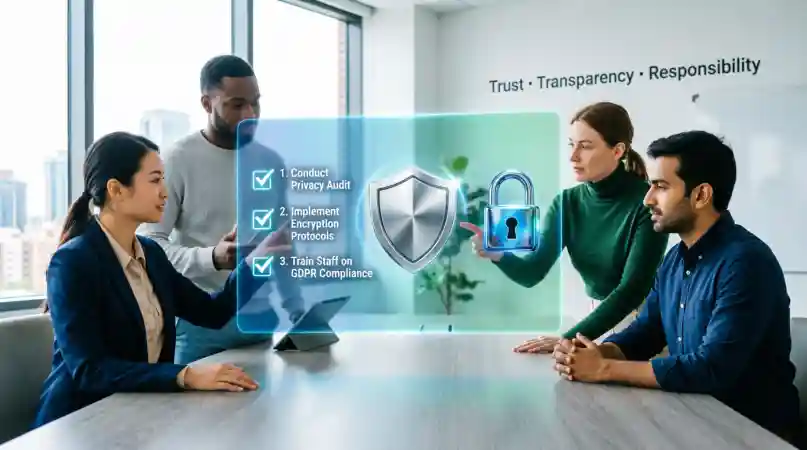
Choosing suitable tools is only the first step. Small businesses also need clear procedures to ensure employees handle customer information responsibly.
1. Identify the Data You Collect
Make a list of the personal information your business collects, including names, email addresses, payment records, and customer inquiries. Record where the information is stored and which services can access it.
Collect only the information you genuinely need for your business activities.
2. Limit Access to Sensitive Information
Not every employee needs access to every customer record. Assign permissions according to job responsibilities and remove access when someone changes roles or leaves the company.
Use individual accounts rather than sharing passwords across the team.
3. Create a Clear Privacy Policy
Explain what information you collect, how you use it, whether you share it with service providers, and how customers can contact you about their information.
Review your policy when your business practices change, and ensure it reflects your actual activities and applicable legal requirements.
4. Train Employees
Teach employees to recognize suspicious emails, use strong passwords, protect customer records, and report potential privacy incidents quickly.
Even a short training session can help employees understand their responsibilities and avoid common mistakes.
5. Prepare for Data Incidents
Create a simple response plan that explains whom to contact, how to secure affected accounts, how to preserve relevant evidence, and how to assess the incident.
If a breach occurs, follow applicable notification requirements and seek professional assistance when necessary.
What Are the 7 Principles of Data Privacy?
Privacy principles help businesses make responsible decisions about personal information. The exact principles differ between legal frameworks, but seven commonly discussed ideas are:
- Lawfulness, fairness, and transparency: Handle personal information lawfully and explain your practices clearly.
- Purpose limitation: Collect information for specific, legitimate purposes and avoid incompatible uses.
- Data minimization: Collect only the personal information needed for the stated purpose.
- Accuracy: Take reasonable steps to keep personal information accurate and up to date.
- Storage limitation: Do not retain personal information longer than necessary, subject to applicable requirements.
- Integrity and confidentiality: Protect information through appropriate security measures and access controls.
- Accountability: Take responsibility for privacy practices and maintain appropriate records showing how obligations are addressed.
These principles broadly reflect concepts found in the GDPR, but they are not a universal list of seven rules that applies identically everywhere. Businesses should identify the laws and requirements relevant to their circumstances.
Frequently Asked Questions
1. What Are Some Solutions to Data Privacy Problems?
Common solutions include limiting data collection, using encryption, enabling multifactor authentication, restricting employee access, maintaining secure backups, and publishing a clear privacy policy. Businesses can also use consent management tools and privacy software when appropriate. The right combination depends on the information collected and the risks involved.
2. What Is the Best Data Privacy Management Solution for Small Businesses?
There is no single best solution for every business. A small website may need a suitable consent management tool, secure hosting, and strong account protection. A business handling large volumes of sensitive information may need a more comprehensive privacy management platform. Compare features, pricing, integrations, and applicable requirements before deciding.
3. How Much Do Data Privacy Solutions Cost?
Costs vary depending on the provider, number of users, features, and business requirements. Some basic security features may already be included in existing services, while specialist privacy platforms may require paid subscriptions. Check current pricing directly with vendors and account for setup, training, and ongoing maintenance.
4. Can Small Businesses Use Free Data Privacy Tools?
Yes. Some services offer free plans or built-in privacy and security features. These may be enough for certain basic needs, but free plans can have limits on users, features, storage, or support. Review the terms and security capabilities carefully before using any tool to handle sensitive customer information.
5. What Is the Difference Between Data Security and Data Privacy?
Data security focuses on protecting information from unauthorized access, loss, or damage. Data privacy focuses on how personal information is collected, used, shared, and retained. For example, encryption is a security measure, while explaining why a business collects customer information is a privacy practice. Both are necessary for responsible data management.
6. How Can a Small Business Protect Customer Information?
Start by collecting only necessary information, securing accounts with strong passwords and multifactor authentication, restricting access to sensitive records, updating software, and maintaining tested backups. Create a clear privacy policy and train employees to recognize suspicious activity. Review these practices regularly as your business grows.
Conclusion
Protecting customer information is an important responsibility for every small business. The right combination of privacy management tools, secure storage, access controls, employee training, and clear policies can help reduce risks and build customer trust.
You do not need to purchase an expensive platform immediately. Start by identifying the information you collect, reviewing how it is stored, and addressing the most significant risks. Then compare suitable tools based on your budget, business needs, and applicable privacy requirements.